//NETSENTINEL PROTOCOL//ICE-WALL: APEX
AUTH: 0x9F41
[LOAD]
TELEMETRY UPLINK
ACQUIRING...
DECRYPTING GRID CORE
STREAMING BUFFER CHUNKS // 60 FPS SYNC
PROGRESSSYNCHRONIZING
NETSENTINEL // CYBERSYSTEM TERMINAL ACTIVE
PORT: 0x88F0PACKET: AES-GCM
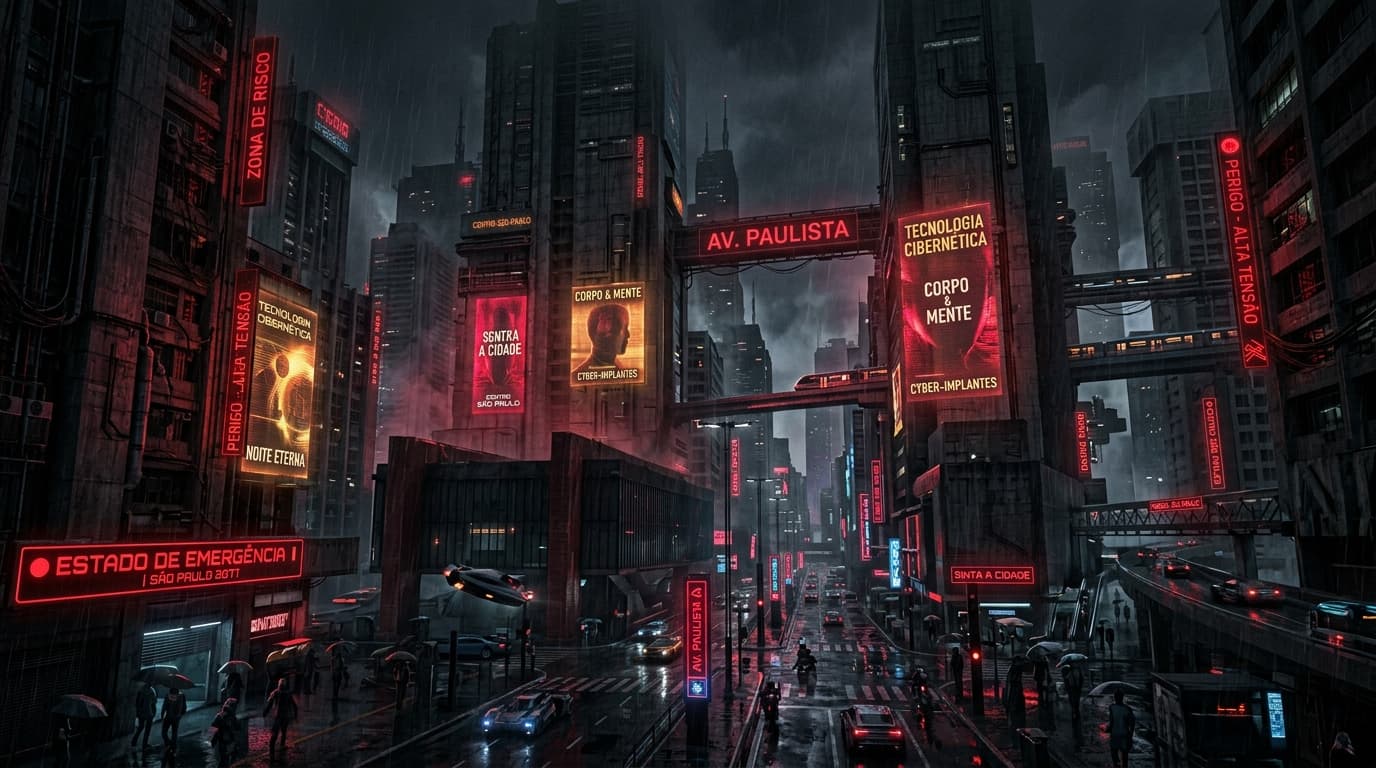
STREAMING BUFFER CHUNKS // 60 FPS SYNC
STREAMING BUFFER CHUNKS // 60 FPS SYNC
Most web developers and visual designers interact with generative artificial intelligence through cloud platforms or web chat interfaces. While adequate for conceptual sketches or informal assets, cloud-based visual generation is fundamentally unsuited for production systems engineering: it lacks spatial determinism, incurs per-generation API costs, introduces latency bottlenecks, and provides no granular control over tensor transformations or intermediate latent spaces.
When building the visual language, spatial backdrops, and HUD textures for my portfolio, I chose a different path: complete local hardware sovereignty and functional latent graph orchestration.
I run all generative workflows on dedicated local workstation hardware equipped with dual NVIDIA RTX GPUs (RTX 4090 and RTX 3090 configurations providing 48GB+ of high-speed GDDR6X VRAM). Rather than relying on non-deterministic text prompts, I model visual asset creation as an explicit, functional directed acyclic graph (DAG) using ComfyUI.
This engineering log breaks down the hardware memory partitioning, multi-ControlNet geometric constraints, IP-Adapter chromatic conditioning, and custom Python exporter nodes that power my local visual pipeline.
Executing high-resolution diffusion models (SDXL and Flux.1 Dev) alongside other background systems requires strict GPU memory partitioning. A single unconstrained 1024x1024 latent pass can trigger out-of-memory (OOM) driver crashes if memory allocations are not explicitly budgeted:
By assigning diffusion synthesis to the primary GPU and language model inference to the secondary GPU via explicit CUDA device assignment (CUDA_VISIBLE_DEVICES), I ensure that image generation and code analysis operate simultaneously without VRAM contention or kernel page swapping.
Standard prompt-based image generation tools operate as black boxes. In contrast, ComfyUI exposes Stable Diffusion as an explicit node graph where tensors flow between parameterized functional stages:
To ensure generated assets align with 3D viewport perspectives and CSS layout grids, I feed synthetic buffers directly into ControlNet processors:
When designing spatial backgrounds, I export depth maps directly from the Three.js 3D viewport. Feeding this depth buffer into the ZoeDepth model forces the diffusion UNet to preserve exact vanishing points, camera focal lengths, and spatial monolith positions. Foreground HUD panels and distant cluster nodes maintain strict perspective alignment.
To achieve authentic specular highlights and metallic textures on cyberpunk surfaces, I pass surface normal maps into the NormalBae ControlNet. This directs diffusion cross-attention to calculate light reflections and edge bevels based on vector orientations rather than speculative text descriptions.
To eliminate the blurry or warped edge artifacts common in raw diffusion passes, hard structural outlines are extracted via Canny edge detection. This enforces crisp 1-pixel borders along chassis frames and data readout panels.
Describing complex lighting palettes using text prompts alone is notoriously fragile; terms like "cobalt blue with amber accents" often result in muddy color bleeding.
I utilize IP-Adapter Plus to condition diffusion passes directly on curated reference color palettes:
1. Reference mood boards (e.g., Neo-Kyōkai deep cobalt veil, CRT phosphor amber, and GameCube ultraviolet) are encoded via the ClipVision model.
2. The extracted image feature embeddings are injected into the UNet attention layers.
3. This guarantees consistent color grading, contrast balance, and luminance saturation across multiple batches without prompt drift.
To bridge ComfyUI with my production Next.js static asset pipeline, I authored custom ComfyUI extension nodes in Python:
| 1 | import os |
| 2 | import json |
| 3 | import torch |
| 4 | import numpy as np |
| 5 | from PIL import Image |
| 6 | from PIL.PngImagePlugin import PngInfo |
| 7 | |
| 8 | class NeurogridAssetExporter: |
| 9 | @classmethod |
| 10 | def INPUT_TYPES(cls): |
| 11 | return { |
| 12 | "required": { |
| 13 | "images": ("IMAGE",), |
| 14 | "sector_id": ("STRING", {"default": "SEC-00"}), |
| 15 | "asset_tag": ("STRING", {"default": "BACKGROUND_MONOLITH"}), |
| 16 | "target_dir": ("STRING", {"default": "public/assets/generated"}), |
| 17 | "compression_level": ("INT", {"default": 6, "min": 0, "max": 9}), |
| 18 | } |
| 19 | } |
| 20 | |
| 21 | RETURN_TYPES = ("STRING",) |
| 22 | RETURN_NAMES = ("exported_path",) |
| 23 | FUNCTION = "export_asset" |
| 24 | CATEGORY = "Neurogrid/Pipeline" |
| 25 | |
| 26 | def export_asset(self, images, sector_id, asset_tag, target_dir, compression_level): |
| 27 | os.makedirs(target_dir, exist_ok=True) |
| 28 | exported_files = [] |
| 29 | |
| 30 | for idx, img_tensor in enumerate(images): |
| 31 | numpy_img = 255.0 * img_tensor.cpu().numpy() |
| 32 | img = Image.fromarray(np.clip(numpy_img, 0, 255).astype(np.uint8)) |
| 33 | |
| 34 | meta = PngInfo() |
| 35 | meta.add_text("SectorID", sector_id) |
| 36 | meta.add_tag("AssetTag", asset_tag) |
| 37 | meta.add_text("Engine", "Neurogrid-Comfy-Pipeline-V3") |
| 38 | meta.add_text("BatchIndex", str(idx)) |
| 39 | |
| 40 | filename = f"{sector_id.lower()}_{asset_tag.lower()}_{idx:02d}.png" |
| 41 | full_path = os.path.join(target_dir, filename) |
| 42 | |
| 43 | img.save(full_path, pnginfo=meta, compress_level=compression_level, optimize=True) |
| 44 | exported_files.append(full_path) |
| 45 | |
| 46 | return (exported_files[0] if exported_files else "",) |
This node automatically converts PyTorch latent output tensors to optimized PNG files, embeds structured audit metadata directly into the PNG header chunks, and places the assets into the target web application directory.
1. Hardware Sovereignty Eliminates Latency & Costs: Hosting diffusion pipelines on local dual-GPU workstations provides unlimited iteration, zero API costs, and complete privacy over experimental visual assets.
2. Explicit Conditioning Beats Prompt Engineering: Multi-ControlNet geometry locking and IP-Adapter color conditioning replace speculative text prompts with deterministic mathematical constraints.
3. Custom Python Automation Bridges Nodes to Production: Embedding custom exporter nodes into the latent graph automates asset resizing, metadata tagging, and directory deployment directly into the frontend build tree.